Getting started
The thin client application requires minimum configuration on your PC or Mac. Just download, install and sign in to your account.
Centralized Backup Management
Once the thin client is set up on your computers, you can perform the following operations via the web console:
- Perform immediate backups or schedule backup jobs, restore data and more.
- Modify your backup sets or settings and push the changes across all devices.
- Remotely upgrade to the latest version of IDrive on any computer.
- Create policies with required settings and push them.
- Monitor and keep track of the status of your backup activities.
Deploy IDrive using Group Policy
Remotely install the IDrive application from Windows Server, to multiple computers, by using Microsoft Active Directory Group Policy.
An overview
-
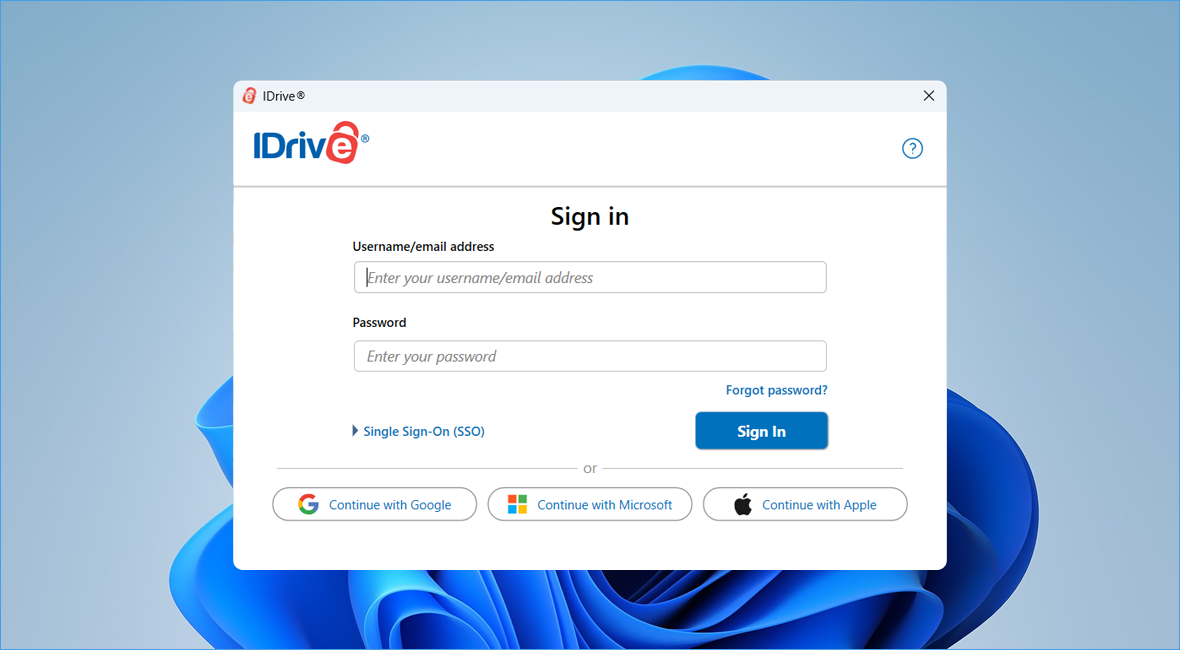
Setup and sign in
Download and install the IDrive Thin Client application on your Windows or Mac machine and manage backups by via web.
-
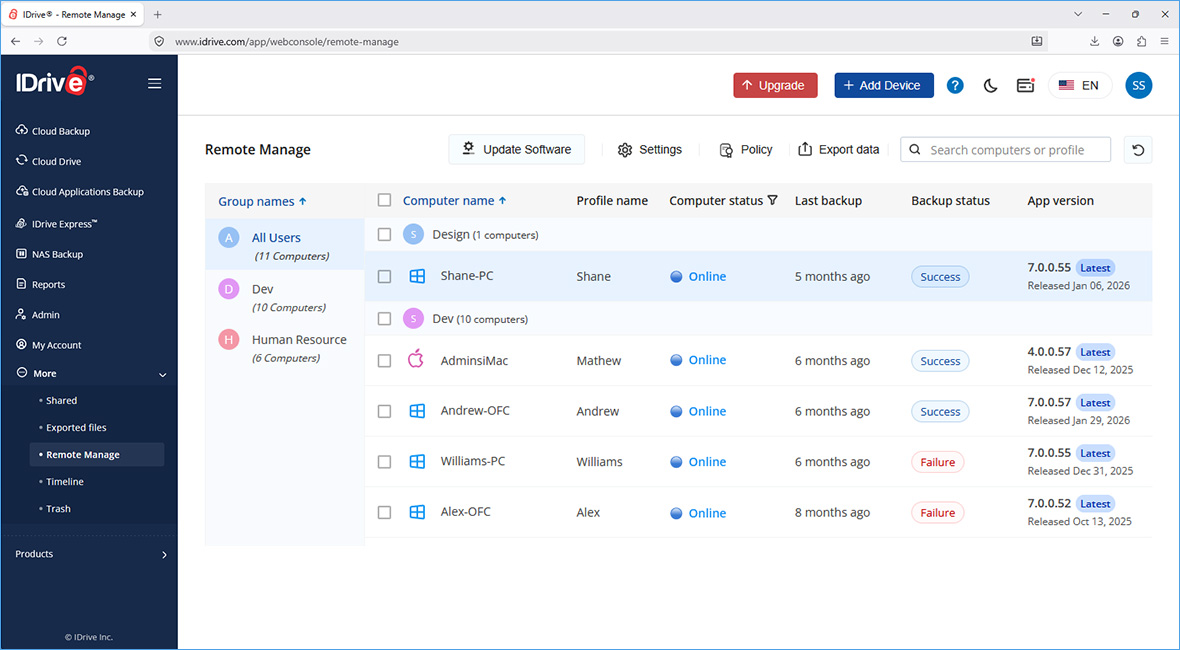
Computer list
All computers connected to your IDrive account appear in the Remote Manage tab in the web interface.
-
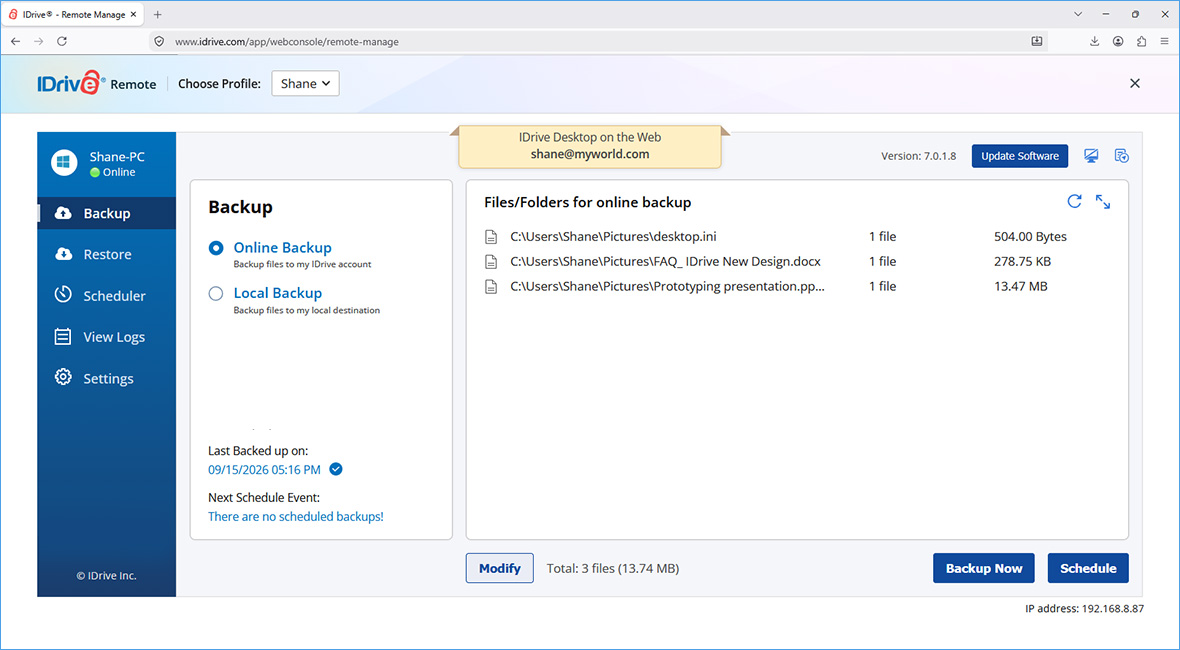
Backup and restore
Backup data on your computer to IDrive via the web. Restore individual file or use Snapshots for point-in-time recovery.
-
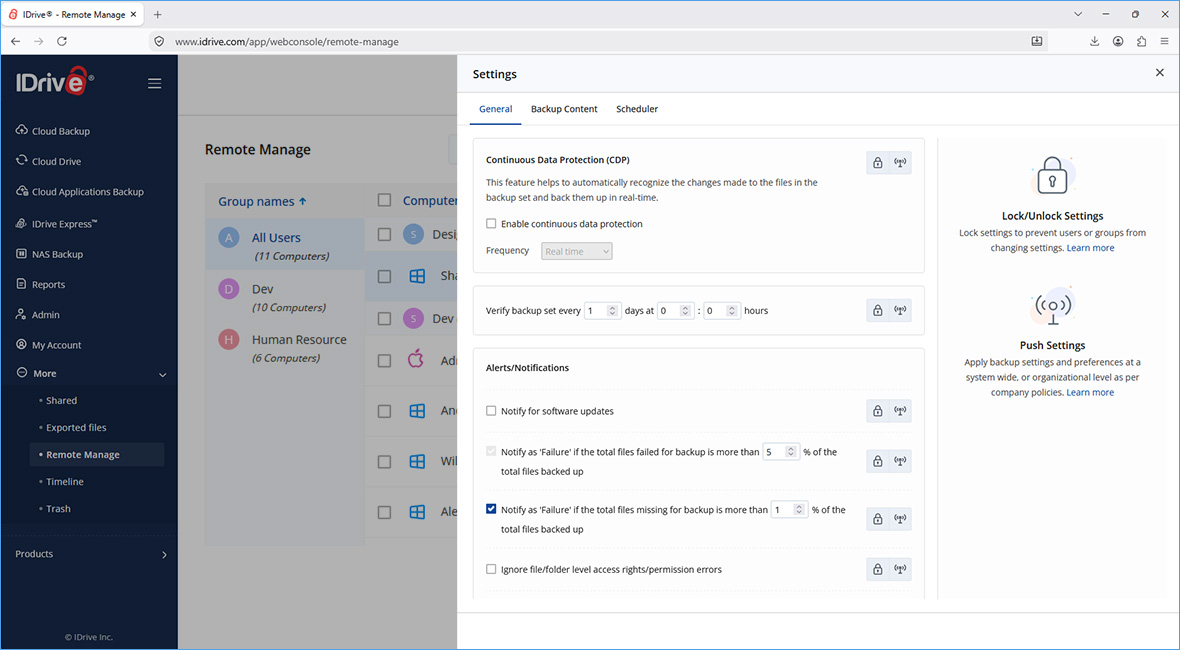
Settings
You can configure your IDrive settings and push changes to all the connected computers from the Settings tab.